

Most LMS websites list similar features, so the real difference is in pricing, support and setup. These seven factors—pricing, customization, the team behind the product, setup speed and mobile access—decide whether the platform still works for you a year from now.
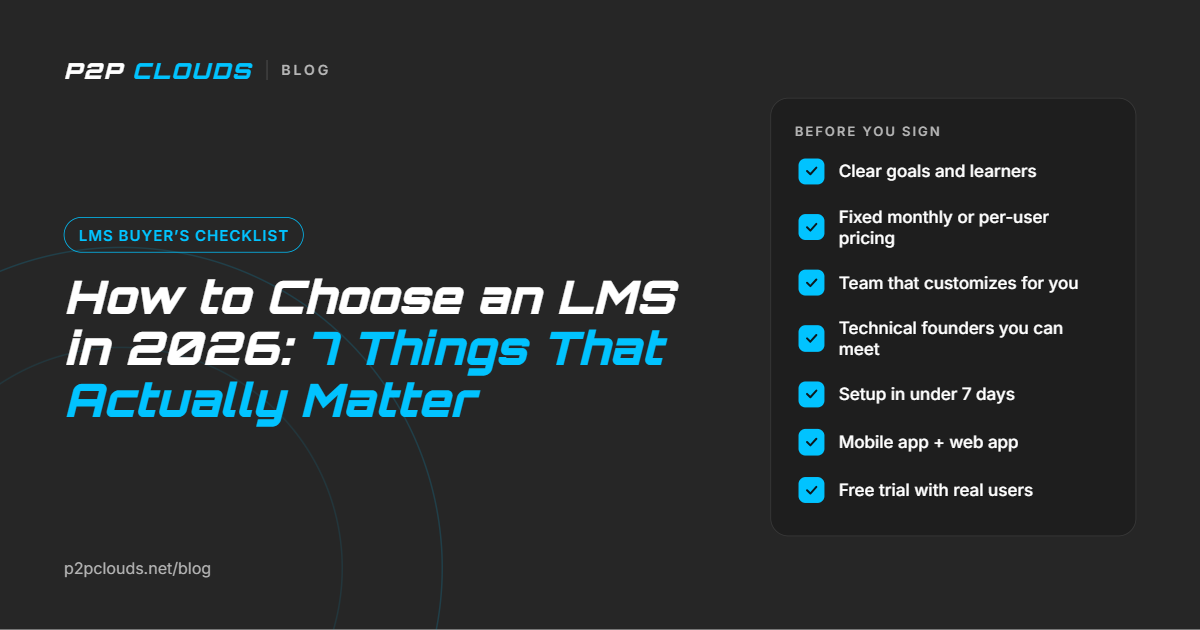
To choose an LMS, start with your goals, then judge vendors on pricing model, customization, the team behind the product, setup speed and mobile access. Most LMS websites list similar features, so the real difference is in pricing, support and setup. These seven factors are what decide whether the platform works for you a year from now.
This short guide covers the 7 things that actually matter, plus a checklist you can use on every vendor call.
Decide who you are training (employees, partners, students or paying customers) and why (compliance, onboarding, upskilling or selling courses). Count your learners today and in 3 years. This tells you which features and pricing model you need.
LMS vendors charge in two main ways:
| Pricing model | How it works | Best for |
|---|---|---|
| Fixed monthly | One flat price, often with unlimited learners | Growing teams and institutes with many learners |
| Per user | You pay for each active or registered learner | Small teams with a stable headcount |
Per-user pricing looks cheap at first but grows with every new hire or student. A fixed monthly plan keeps your cost predictable. The best vendors offer both, so you can choose what fits.
Every organization runs training differently. Ask the vendor: "Can you build a module or workflow just for us?" Off-the-shelf platforms often say no, or charge enterprise prices. A team that is comfortable customizing for your setup saves you from workarounds later.
When the founders are engineers, product decisions are faster and technical problems get real answers. If you can meet the founders, that is wonderful. A Google Meet or Zoom call works just as well. You will learn more in 30 minutes with a founder than in five sales demos.
Some enterprise LMS platforms take months to launch. A good vendor should get you live in under 7 days, including account setup, branding, user import and your first courses. Before you sign, ask for a written setup timeline so you know exactly when you’ll go live.
Learners rarely sit at a desk all day. Look for a dedicated mobile app alongside the web app, built for learning on the go. A real app means easier access, notifications and higher completion rates.
Shortlist 2–3 vendors. Test each one with real content and a small group of learners for one to two weeks. Compare how easy it is for admins, how learners react and how quickly support responds.
Tick these off on every vendor call. A strong LMS should pass at least 8 of 10.
What is an LMS in e-learning? An LMS (learning management system) is software that delivers online courses, tracks learner progress and reports results. It is the engine behind most e-learning programs.
Is fixed monthly or per-user LMS pricing better? Fixed monthly pricing is usually better if your learner count is growing, because the cost stays the same. Per-user pricing can be cheaper for small, stable teams.
How long should LMS setup take? A modern cloud LMS should be live in under 7 days. Large enterprise platforms usually need more time, often several weeks, because of complex configuration.
Training finance teams? Read our guide to the top LMS for financial services.
P2PClouds LMS was built around these exact points:
👉 Get started free at lms.p2pclouds.net
Questions? Email info@p2pclouds.net or book a free demo.